
Form to Email Plugin
formToEmail Plugin allows you to add forms to your pages.
The content of the form will be sent via email to any email address (or addresses) you specify.
Sample usage
You would add something similar to this to one of your pages (make sure there are no spaces between the brackets:
[formToEmail ]
[subject=Message from {1}] [[email protected]][from={2}]
[Your Name:|text|required]
[Your Email:|text|required]
[Your Message:|textarea|required]
[/formToEmail]
Fields are specified by [LABEL|INPUT TYPE|REQUIRED FLAG]
Only LABEL and INPUT TYPE are necessary to add a field to the form. INPUT TYPE can be: text or textarea.
Additional data
To specify where to send the email, use:
[to=YOUR ADDRESS HERE] You can specify several addresses separated by commas
To specify what address to use as the sender, use:
[from=EMAIL ADDRESS]
To add a custom subject use:
[subject=YOUR SUBJECT]
To customize your "Thank you" message (message that appears after the user has successfully submitted the form) use:
[thankYouMessage=YOUR MESSAGE] (do not use html in this message)
Numbers in brackets {} will be replaced by data supplied by user when the form is submitted. In this way, you can use an email address as the "from" attribute of the email or use the name entered as part of the subject for example. Numbers indicate field order. In the above example, "Your Name:" is number 1, and "Your email:" is number 2.
Formatting
Between the form fields, you can add html markup. You can also add html markup inside the brackets if, for example, you wanted to make the labels bold, or to add a break between the label and the form field.
Note: This plugin only handles one form per page.
Enter title in admin
formToEmail Plugin allows you to add forms to your pages.
The content of the form will be sent via email to any email address (or addresses) you specify.
Sample usage
You would add something similar to this to one of your pages (make sure there are no spaces between the brackets:
[formToEmail ]
[subject=Message from {1}] [[email protected]][from={2}]
[Your Name:|text|required]
[Your Email:|text|required]
[Your Message:|textarea|required]
[/formToEmail]
Fields are specified by [LABEL|INPUT TYPE|REQUIRED FLAG]
Only LABEL and INPUT TYPE are necessary to add a field to the form. INPUT TYPE can be: text or textarea.
Additional data
To specify where to send the email, use:
[to=YOUR ADDRESS HERE] You can specify several addresses separated by commas
To specify what address to use as the sender, use:
[from=EMAIL ADDRESS]
To add a custom subject use:
[subject=YOUR SUBJECT]
To customize your "Thank you" message (message that appears after the user has successfully submitted the form) use:
[thankYouMessage=YOUR MESSAGE] (do not use html in this message)
Numbers in brackets {} will be replaced by data supplied by user when the form is submitted. In this way, you can use an email address as the "from" attribute of the email or use the name entered as part of the subject for example. Numbers indicate field order. In the above example, "Your Name:" is number 1, and "Your email:" is number 2.
Formatting
Between the form fields, you can add html markup. You can also add html markup inside the brackets if, for example, you wanted to make the labels bold, or to add a break between the label and the form field.
Note: This plugin only handles one form per page.
Did You Know? Theme Update Notifications

Keeping your website looking its best often means keeping your theme up to date.
New Plugin: Syntax Highlighting with Highlight.js
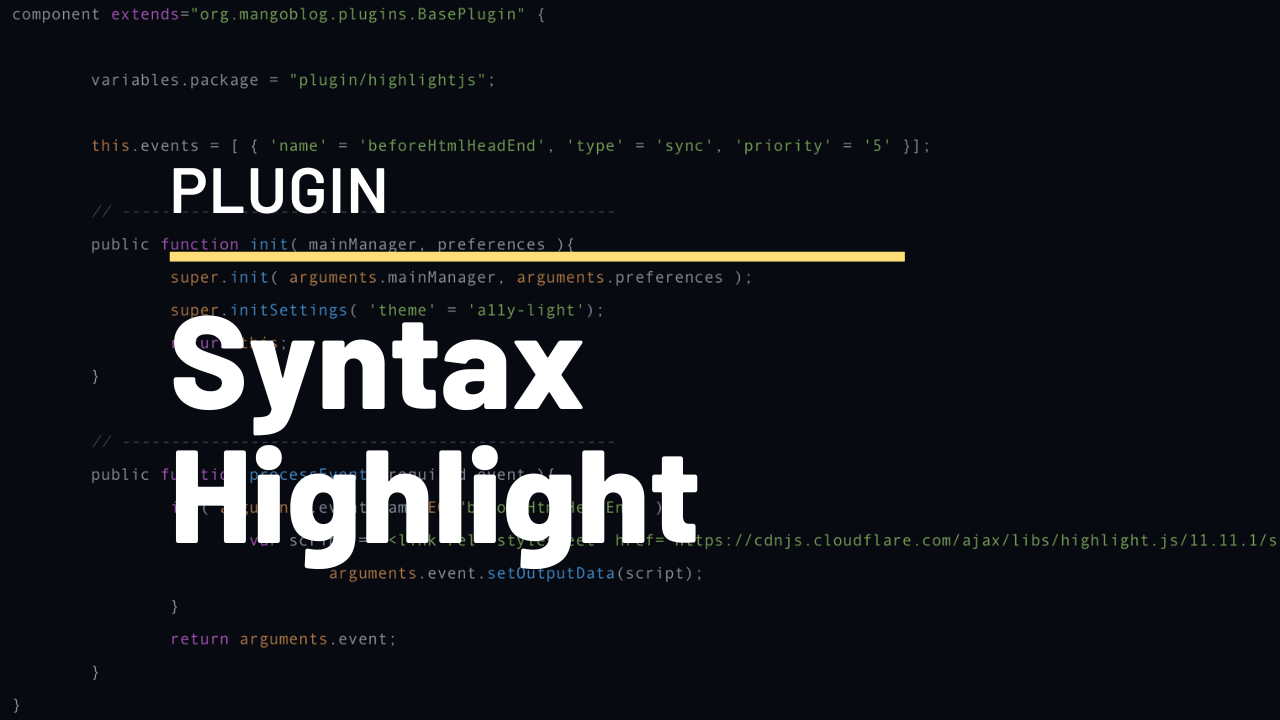
A new plugin is available to add syntax highlighting using Highlight.js.
Form to Email Plugin
formToEmail Plugin allows you to add forms to your pages.
The content of the form will be sent via email to any email address (or addresses) you specify.
Sample usage
You would add something similar to this to one of your pages (make sure there are no spaces between the brackets:
[formToEmail ]
[subject=Message from {1}] [[email protected]][from={2}]
[Your Name:|text|required]
[Your Email:|text|required]
[Your Message:|textarea|required]
[/formToEmail]
Fields are specified by [LABEL|INPUT TYPE|REQUIRED FLAG]
Only LABEL and INPUT TYPE are necessary to add a field to the form. INPUT TYPE can be: text or textarea.
Additional data
To specify where to send the email, use:
[to=YOUR ADDRESS HERE] You can specify several addresses separated by commas
To specify what address to use as the sender, use:
[from=EMAIL ADDRESS]
To add a custom subject use:
[subject=YOUR SUBJECT]
To customize your "Thank you" message (message that appears after the user has successfully submitted the form) use:
[thankYouMessage=YOUR MESSAGE] (do not use html in this message)
Numbers in brackets {} will be replaced by data supplied by user when the form is submitted. In this way, you can use an email address as the "from" attribute of the email or use the name entered as part of the subject for example. Numbers indicate field order. In the above example, "Your Name:" is number 1, and "Your email:" is number 2.
Formatting
Between the form fields, you can add html markup. You can also add html markup inside the brackets if, for example, you wanted to make the labels bold, or to add a break between the label and the form field.
Note: This plugin only handles one form per page.